
XLclick vs ChatGPT, Copilot & Gemini for Excel | Best Excel Add-in
XLclick vs ChatGPT, Copilot and Gemini: Which Tool Is Actually Better for Excel?
Over the last year, tools like ChatGPT, Microsoft Copilot, and Google Gemini have completely changed the productivity software market. Many Excel users now wonder if AI assistants can fully replace traditional Excel add-ins.
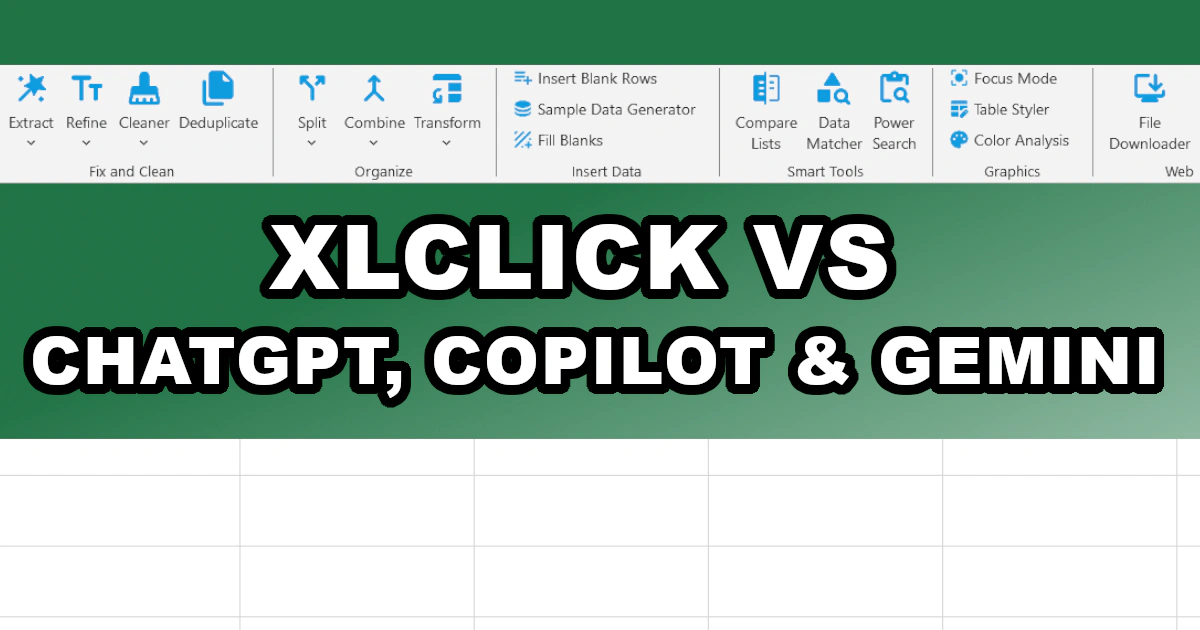
The reality is very different once you start working with real spreadsheets, large datasets, repetitive tasks, and messy files. While AI tools are impressive for generating text and answering questions, XLclick is purpose-built specifically for Excel productivity. It focuses on speed, automation, simplicity, and practical results — without requiring formulas, coding, or prompt engineering.
Why AI Tools Often Slow Down Excel Workflows
ChatGPT, Copilot, and Gemini are designed as conversational AI systems. That means users must constantly explain what they want, review outputs, rewrite prompts, and verify results manually.
In Excel, this quickly becomes inefficient. If you need to split rows, merge sheets, remove duplicates, anonymize data, extract emails, fix formatting, or compare lists, AI tools usually generate instructions or formulas rather than actually completing the task instantly.
With XLclick, there is no learning curve. Every tool is available directly inside Excel through simple buttons. Features like Split to Rows, Combine Sheets, Data Matcher, Extract Emails, and Power Search execute immediately with a single click.
This difference is critical for professionals working daily with spreadsheets. AI explains the process. XLclick actually performs the work.
XLclick Eliminates the Need for Complex Excel Formulas
One of the biggest frustrations for Excel users is dealing with complicated formulas such as VLOOKUP, INDEX/MATCH, nested IF statements, REGEX functions, and text-cleaning formulas.
AI tools can sometimes generate these formulas, but users still need to understand how to implement, troubleshoot, and maintain them. Even worse, AI-generated formulas are not always accurate and often break on real-world datasets.
XLclick removes this problem completely. Features like Smart Data Matcher replace VLOOKUP and INDEX/MATCH automatically. Pattern Matcher performs advanced regex extraction without requiring regex knowledge. Text Cleaner, Case Converter, and Data Fixer automate tedious cleaning tasks instantly.
Instead of spending time learning formulas or debugging AI suggestions, users simply click a button and continue working.
Privacy and Data Security: A Major Advantage for XLclick
Another important concern with AI tools is data privacy. Many businesses cannot upload sensitive spreadsheets, customer data, financial reports, or internal files to cloud-based AI systems.
Tools like ChatGPT, Copilot, and Gemini rely heavily on cloud processing. This creates compliance concerns for companies dealing with GDPR, CCPA, or confidential information.
XLclick works directly inside Microsoft Excel on your local machine. Your files remain under your control. Features like Data Anonymizer help businesses safely mask names, emails, addresses, and sensitive information before sharing spreadsheets externally.
For many professionals and companies, this alone makes XLclick a safer and more practical solution than AI assistants.
XLclick Is Faster for Real Excel Tasks
AI tools are excellent at generating explanations, but productivity depends on execution speed. When managing large spreadsheets, repetitive tasks, or multiple files, manual AI interaction becomes slow and frustrating.
XLclick was designed specifically for operational efficiency inside Excel. Features like Deep Refresh, Remove Blanks, Duplicate Management, Bulk Downloader, Batch Rename, and Split Workbook automate hours of manual work instantly.
Even advanced operations such as combining worksheets, generating sample data, filling blank cells, exporting sheets, or splitting massive files are reduced to simple clicks.
For users handling Excel every day, the time savings become enormous.
Comparison Table: XLclick vs ChatGPT vs Copilot vs Gemini
| Feature | XLclick | ChatGPT | Copilot | Gemini |
|---|---|---|---|---|
| One-click Excel automation | ✅ Yes | ❌ No | ⚠️ Limited | ❌ No |
| No formulas required | ✅ Yes | ❌ No | ⚠️ Partial | ❌ No |
| Built specifically for Excel | ✅ Yes | ❌ No | ⚠️ Partial | ❌ No |
| Instant data cleaning tools | ✅ Yes | ❌ Manual prompts | ⚠️ Limited | ❌ Manual prompts |
| Works on local files | ✅ Yes | ⚠️ Depends | ⚠️ Cloud-heavy | ⚠️ Cloud-heavy |
| GDPR-safe anonymization | ✅ Yes | ❌ No | ❌ No | ❌ No |
| Bulk file operations | ✅ Yes | ❌ No | ❌ No | ❌ No |
| Requires prompt writing | ❌ No | ✅ Yes | ✅ Yes | ✅ Yes |
| Beginner-friendly | ✅ Extremely | ⚠️ Medium | ⚠️ Medium | ⚠️ Medium |
Why XLclick Is the Smartest Choice for Excel Users
AI assistants are useful for brainstorming and generating content, but Excel productivity requires precision, automation, and reliability. Most professionals do not want to spend time writing prompts, fixing formulas, or reviewing AI-generated outputs.
XLclick solves real Excel problems instantly. It simplifies data cleaning, file management, formatting, extraction, comparison, anonymization, and workbook automation through an intuitive interface directly inside Excel.
Instead of replacing users with AI, XLclick enhances productivity by removing repetitive work completely.
If your goal is to work faster in Excel, avoid complex formulas, save hours of manual effort, and keep full control of your files, XLclick is simply the more practical and cost-effective solution compared to ChatGPT, Copilot, or Gemini.

Excel has always been my laboratory. After years of navigating data-heavy workflows, I created XLclick: the definitive add-in that simplifies complex analysis into a single click. It’s built for pros who want to spend less time on spreadsheets and more time on strategy.