
Power Query Alternative for Excel on Windows and Mac
XLclick vs Power Query: Which Is Better for Excel Automation and Data Cleaning?
When Excel users need to clean data, automate repetitive tasks, or combine multiple spreadsheets, Power Query is often one of the first tools they discover. Built into Microsoft Excel, Power Query is powerful for advanced data transformation and ETL workflows.
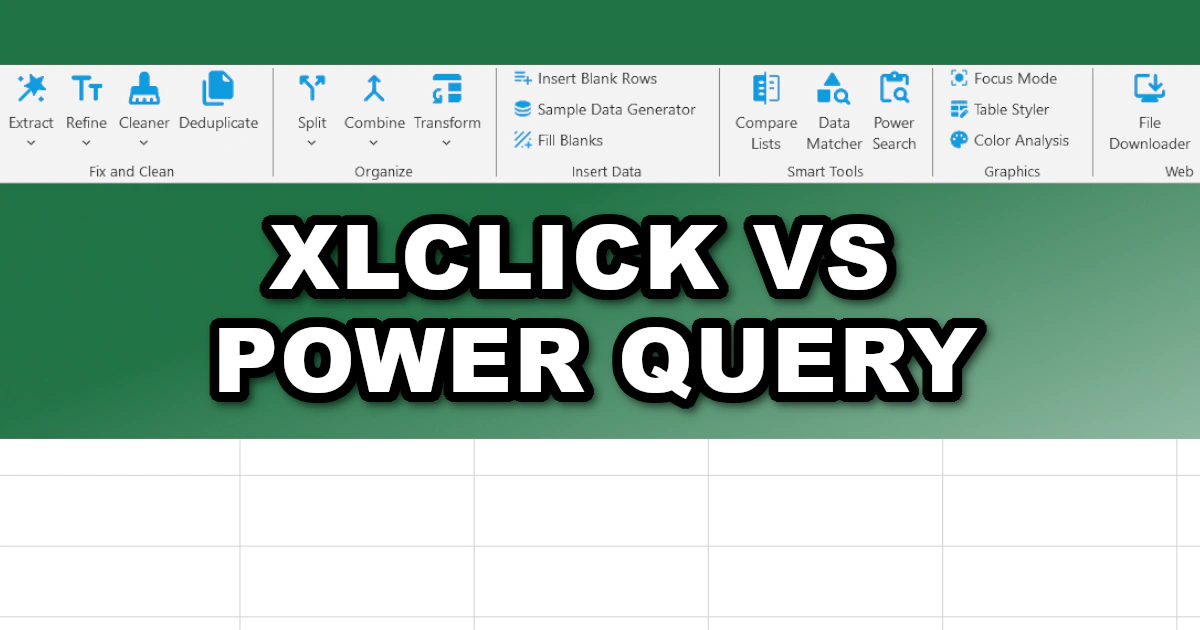
However, power does not always mean simplicity. For most everyday Excel users, Power Query comes with a steep learning curve, confusing interfaces, technical terminology, and workflows that can quickly become difficult to maintain.
XLclick takes a completely different approach. Instead of requiring technical setup or query-building knowledge, it focuses on fast, one-click Excel automation designed for real productivity. No coding, no formulas, and no complex query editors.
Power Query Is Powerful — But Complicated
Power Query was originally designed for data transformation and business intelligence workflows. It works well for advanced users handling large external databases, structured imports, or repeatable ETL pipelines.
But for the average Excel user, many common tasks become unnecessarily technical. Even simple operations like splitting rows, cleaning text, combining sheets, or transforming columns often require navigating multiple menus, configuring steps, and understanding concepts like queries, refresh logic, and data models.
With XLclick, these same tasks are reduced to a simple button click. Features like Split to Rows, Combine Sheets, Remove Blanks, Text Cleaner, and Data Matcher execute instantly without any setup or technical knowledge.
The result is faster workflows and dramatically lower frustration.
XLclick Is Designed for Everyday Excel Users
One of the biggest differences between XLclick and Power Query is accessibility. Power Query is built for technical users and analysts, while XLclick is built for everyone who uses Excel.
You do not need to learn query languages, transformation steps, or data modeling concepts. Users can immediately automate tasks directly inside Excel using intuitive buttons and clean workflows.
This makes XLclick ideal for business users, marketers, accountants, operations teams, freelancers, and anyone who wants faster spreadsheet work without becoming a Power Query expert.
No Formulas, No Queries, No Complexity
Many Excel users waste hours trying to learn formulas, lookup functions, and query systems just to perform routine operations. While Power Query can automate processes, building and maintaining queries often becomes time-consuming.
XLclick removes this complexity entirely. Features like Smart Data Matcher replace VLOOKUP and INDEX/MATCH logic automatically. Pattern Matcher performs advanced regex extraction without coding. Case Converter, Fill Empty Cells, and Duplicate Management eliminate repetitive spreadsheet work instantly.
Instead of learning technical systems, users stay focused on results.
XLclick Includes Practical Tools Missing in Power Query
While Power Query focuses mainly on data transformation, XLclick includes many practical productivity tools designed for real-world Excel workflows.
For example, Data Anonymizer helps businesses protect sensitive information and stay GDPR compliant. Bulk Downloader automatically downloads files from URL lists. Batch Rename renames external files using spreadsheet values. Split Workbook exports sheets into separate Excel files instantly.
These are highly practical business features that Power Query does not natively provide.
Performance and Workflow Speed
Power Query can become slow and resource-heavy when managing large transformations, especially in complex workbooks with multiple dependencies. Query refresh issues and broken steps are also common frustrations for less technical users.
XLclick focuses on direct execution and simplicity. Features like Deep Refresh, Focus Mode, Instant Pro Look, and Power Search help users work faster without managing technical query structures.
For everyday spreadsheet automation, the simplicity of one-click execution often saves significantly more time than building custom Power Query pipelines.
Comparison Table: XLclick vs Power Query
| Feature | XLclick | Power Query |
|---|---|---|
| One-click Excel automation | ✅ Yes | ⚠️ Partial |
| No technical setup required | ✅ Yes | ❌ No |
| No formulas or coding | ✅ Yes | ❌ No |
| Beginner-friendly | ✅ Extremely | ⚠️ Advanced users |
| Advanced text cleaning | ✅ Yes | ⚠️ Complex setup |
| Regex-style extraction | ✅ Yes | ⚠️ Limited |
| Bulk file operations | ✅ Yes | ❌ No |
| GDPR anonymization tools | ✅ Yes | ❌ No |
| Smart lookup replacement | ✅ Yes | ❌ No |
| Fast learning curve | ✅ Yes | ❌ No |
| Built for daily productivity | ✅ Yes | ⚠️ Mostly data transformation |
Why XLclick Is the Better Choice for Most Excel Users
Power Query is a strong tool for technical analysts and complex ETL workflows, but it is often excessive for everyday spreadsheet tasks. Most Excel users simply want to clean data, automate repetitive work, manage files, and save time.
XLclick was designed specifically for this purpose. It delivers fast, practical automation directly inside Excel without formulas, coding, or technical query management.
Instead of spending hours learning Power Query workflows, users can complete the same tasks in seconds with intuitive one-click tools.
If your goal is faster Excel productivity, easier automation, and less technical complexity, XLclick is the smarter and more efficient alternative to Power Query.

Excel has always been my laboratory. After years of navigating data-heavy workflows, I created XLclick: the definitive add-in that simplifies complex analysis into a single click. It’s built for pros who want to spend less time on spreadsheets and more time on strategy.